If you are enrolling in Cottonwood Community Federal Credit Union Online Banking for the first time and you have accounts at our financial institution, please use the following steps as a guide to enroll in our upgraded online banking.
CONTACT CCFCU TO CONFIRM ALL ACCOUNT INFORMATION IS CORRECT AND UP-TO-DATE:
STEP 2: Enter the following information for the Primary Account Owner (Confirm with your local branch that all information is correct and up to date):
Member/Account Number
Last four digits of SSN
Phone Number
E-mail
STEP 3: Select your delivery method to receive and Access Code (7-digit code)
Cell Phone (text or voice call)
Landline (voice call)
E-mail
STEP 4: Enter your Access Code (optional: If on a private device select “Remember this Device”)
STEP 5: Create Your Username – using the criteria provided
STEP 6: Create Your Password – using the criteria provided
STEP 7: Agree to the Online Banking Agreement & Disclosure.
Congratulations! You are now set to enjoy all the features CCFCU Online Banking has to offer!
Thank you for being a valued member of Cottonwood Community Federal Credit Union.
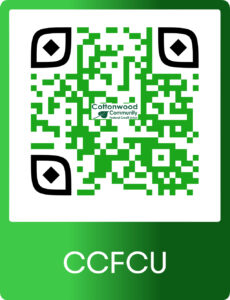
Scan or Click the QR code to Download the Mobile Banking app
×
You are leaving our CCFCU.co site.
You are about to leave our site and are being redirected to a trusted external site. We cannot be held responsible for the content of external websites.